Support
I forgot my password.
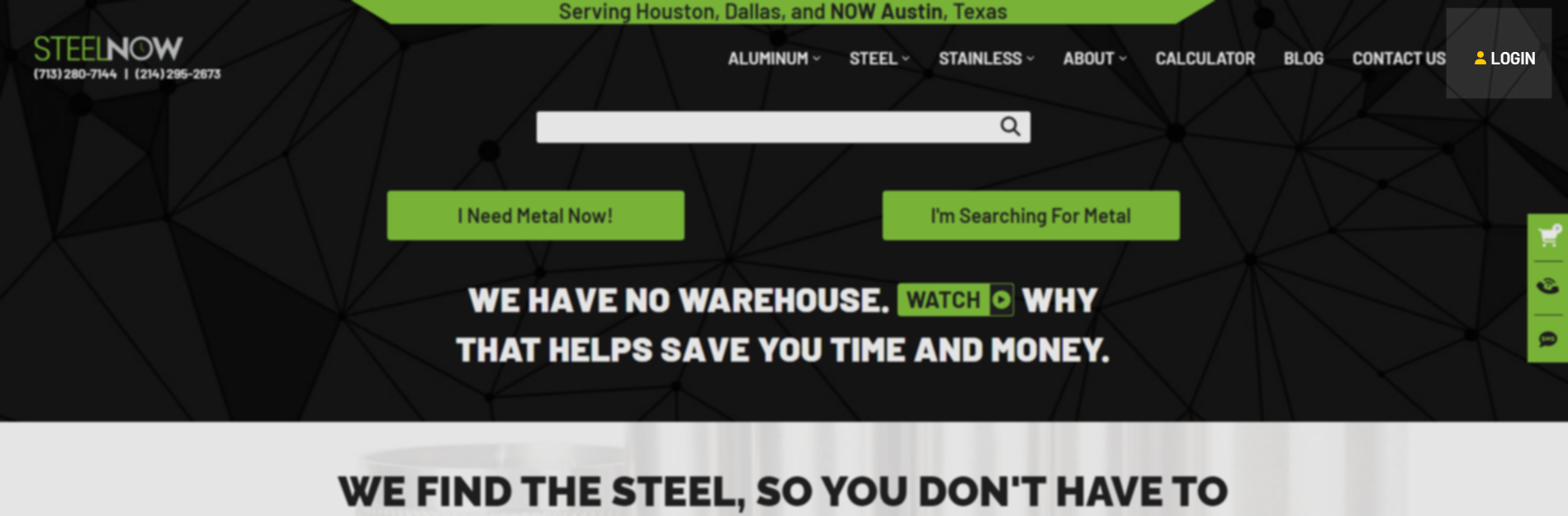
From the home page, click “Login” at the top right corner of the screen. On mobile devices, it will be the last option in the menu which can be expanded via the icon in the top left corner.
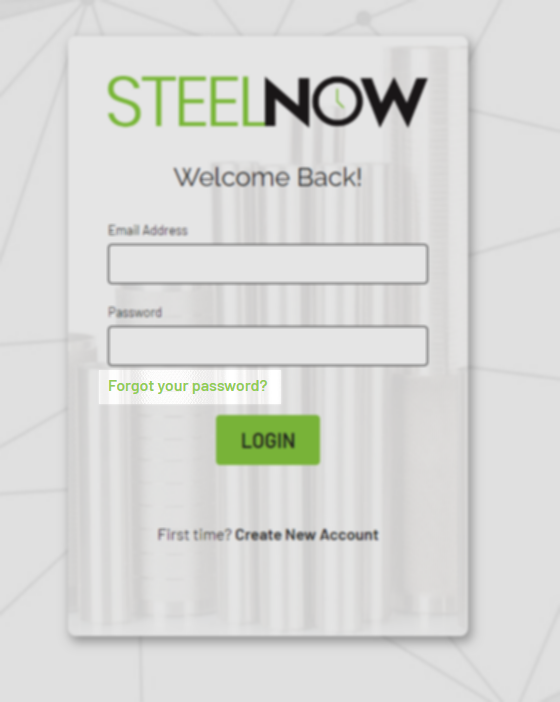
Once you are on the login page, click the “Forgot your password?” link underneath the password field.
On the following page, enter your email address and click the “Send” button. If the provided email address is associated with an account, you will receive an email which will allow you to reset your password.