Support
How do I create an account?
From the home page, click “Login” at the top right corner of the screen. On mobile devices, it will be the last option in the menu which can be expanded via the icon in the top left corner.

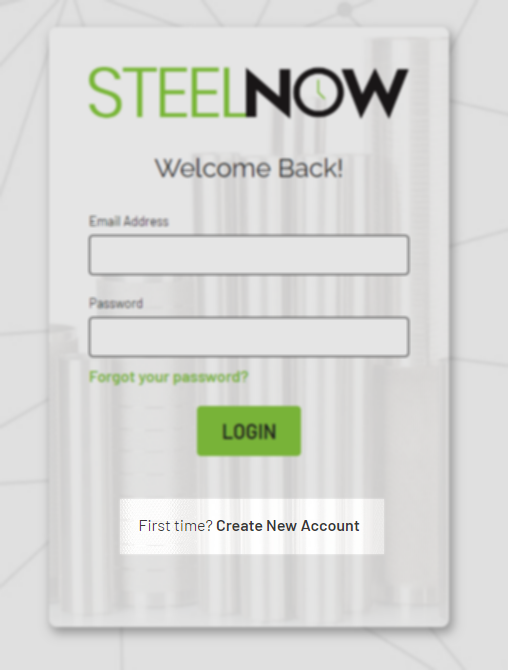
Select the “Create New Account” option.
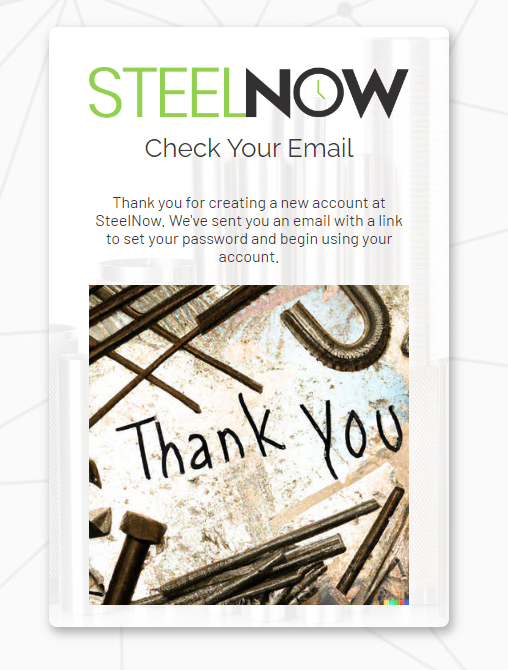
On the following page, enter all the required information. First name, last name, email address and phone number are all required. Once you submit, you should see a confirmation screen that verifies you have created an account and provides next steps.
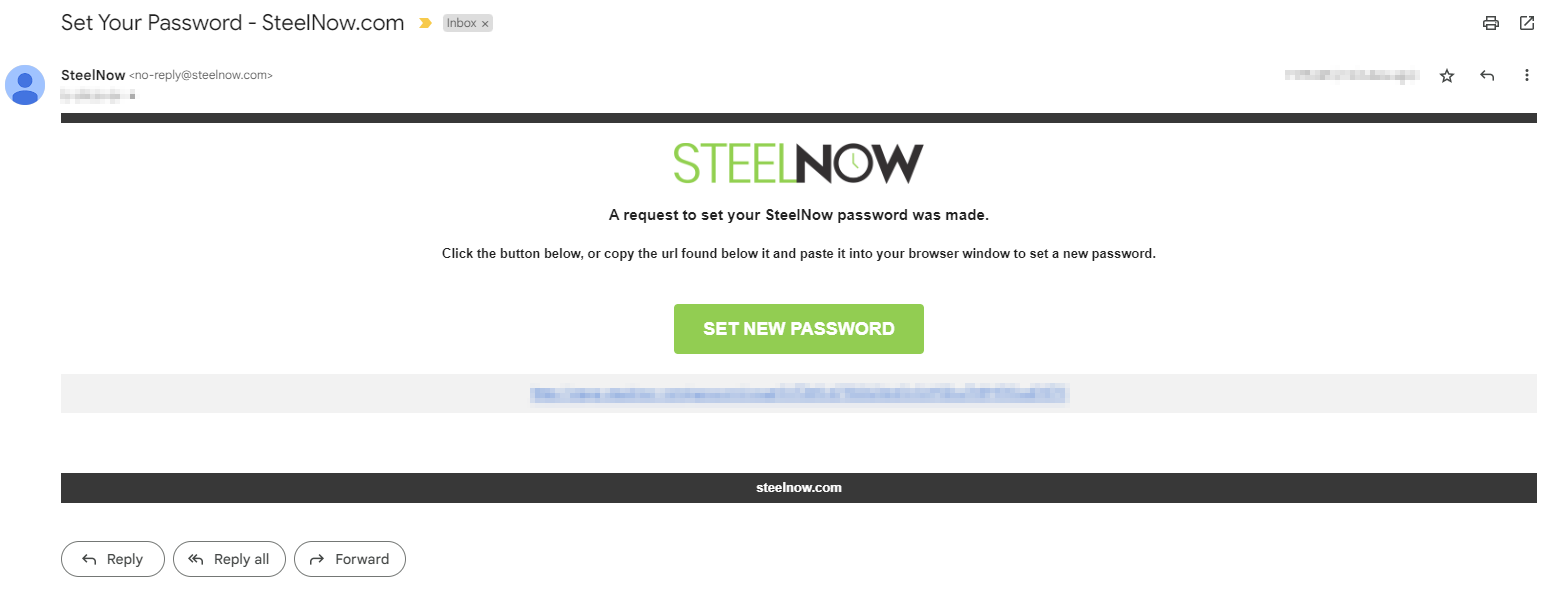
In order to log in to your account, you will need to set a password. Check your inbox at the email address that you provided. You will have received an email with directions on how to set your password. Click the button or follow the link to go to a page where you can set the password for your account
Once you have set your password, you’re good to go! We hope you enjoy all the features that having a SteelNow account provides.