Support
Where can I see the status of an order?
From the home page, click “Login” at the top right corner of the screen. On mobile devices, it will be the last option in the menu which can be expanded via the icon in the top left corner.

Once you are on the account page, click the “My Orders” option.
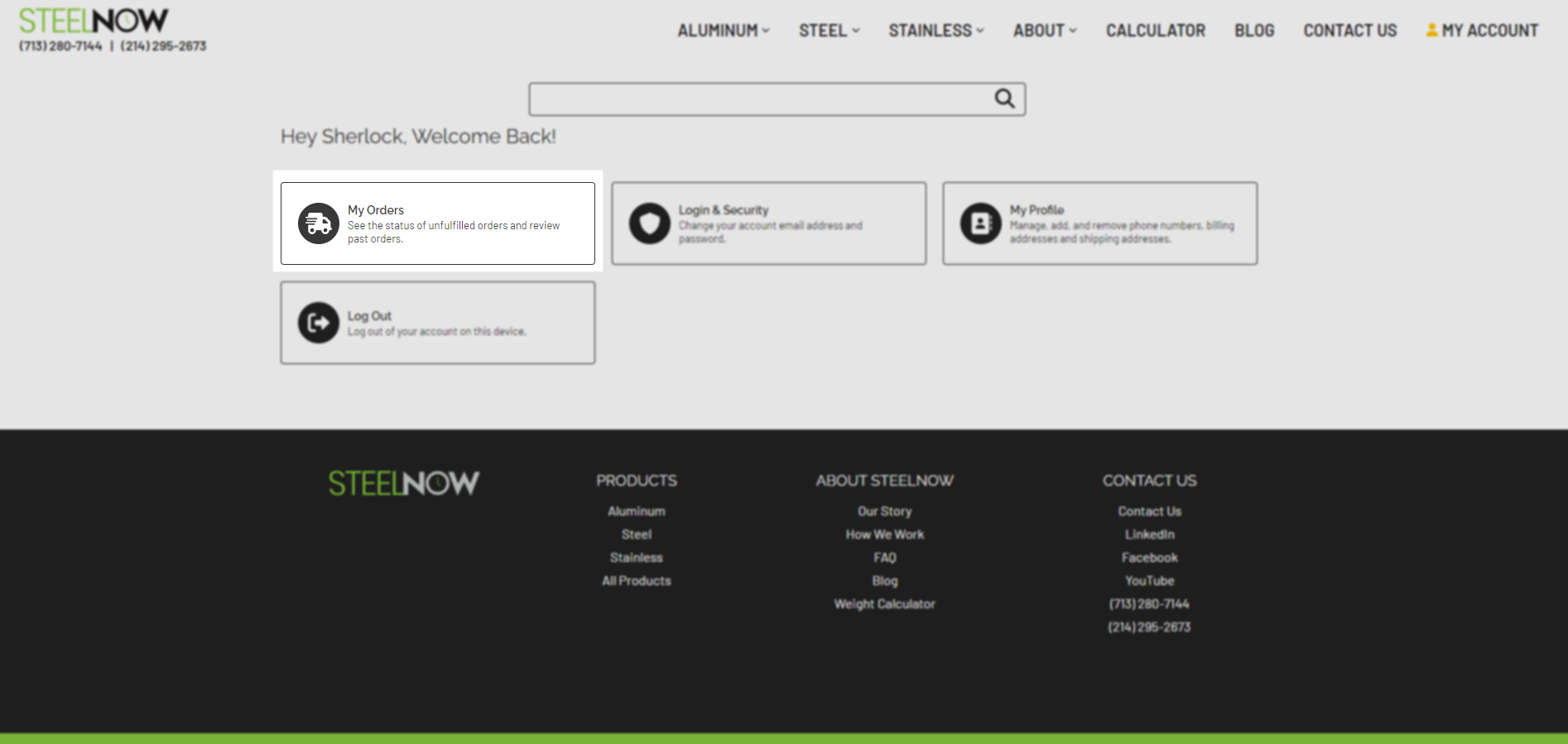
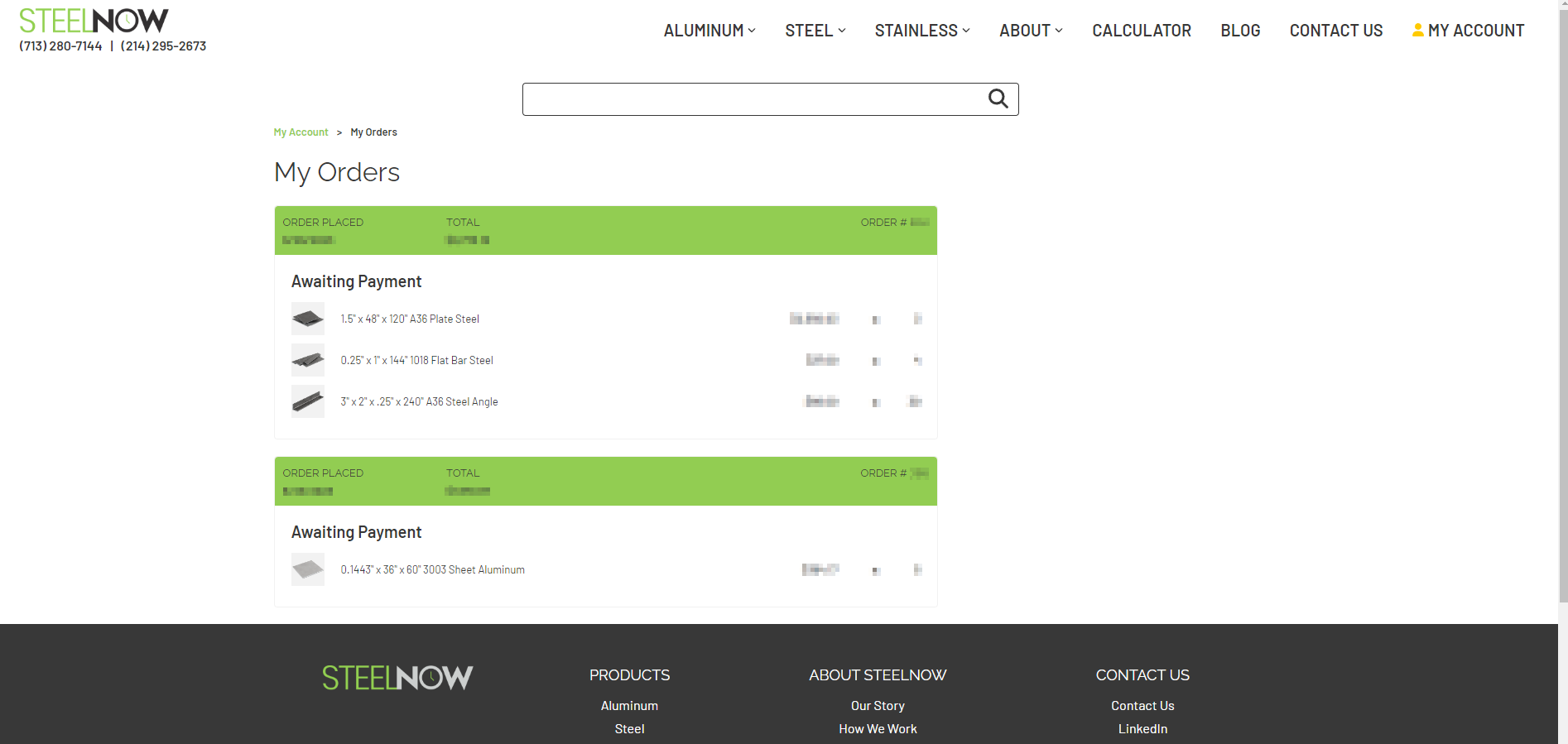
On the following page, you will be able to see a list of all your orders.
If you have questions or concerns about an order, please contact us via email at info@steelnow.com or via phone/text at (713) 280-7144 or (214) 295-2673. If you’ve been in contact with one of our sales representatives already, feel free to email them directly with your questions as well. To quickly address your questions, please provide as much detail as possible, including order/quote number and the issue you’re having.